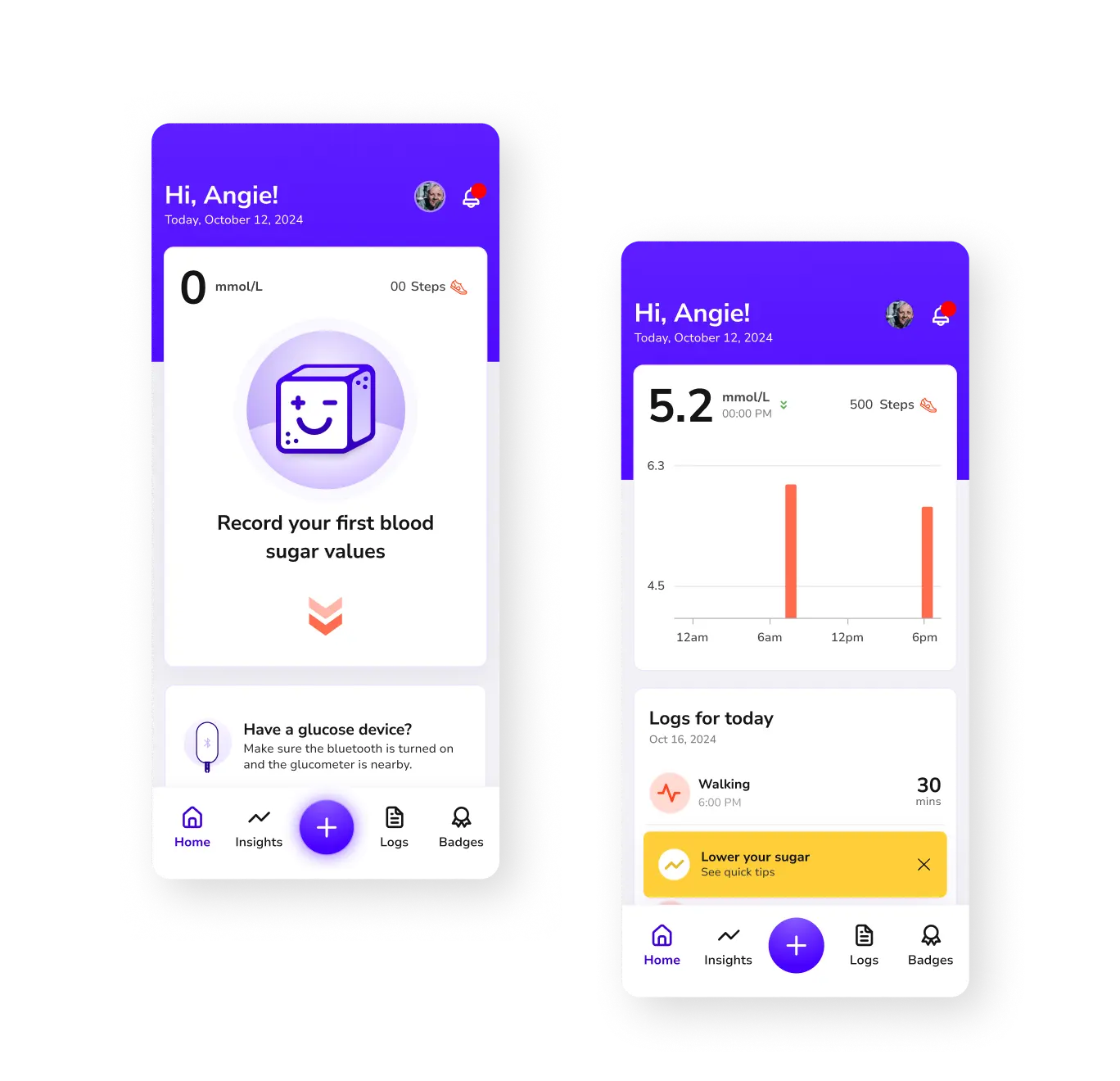
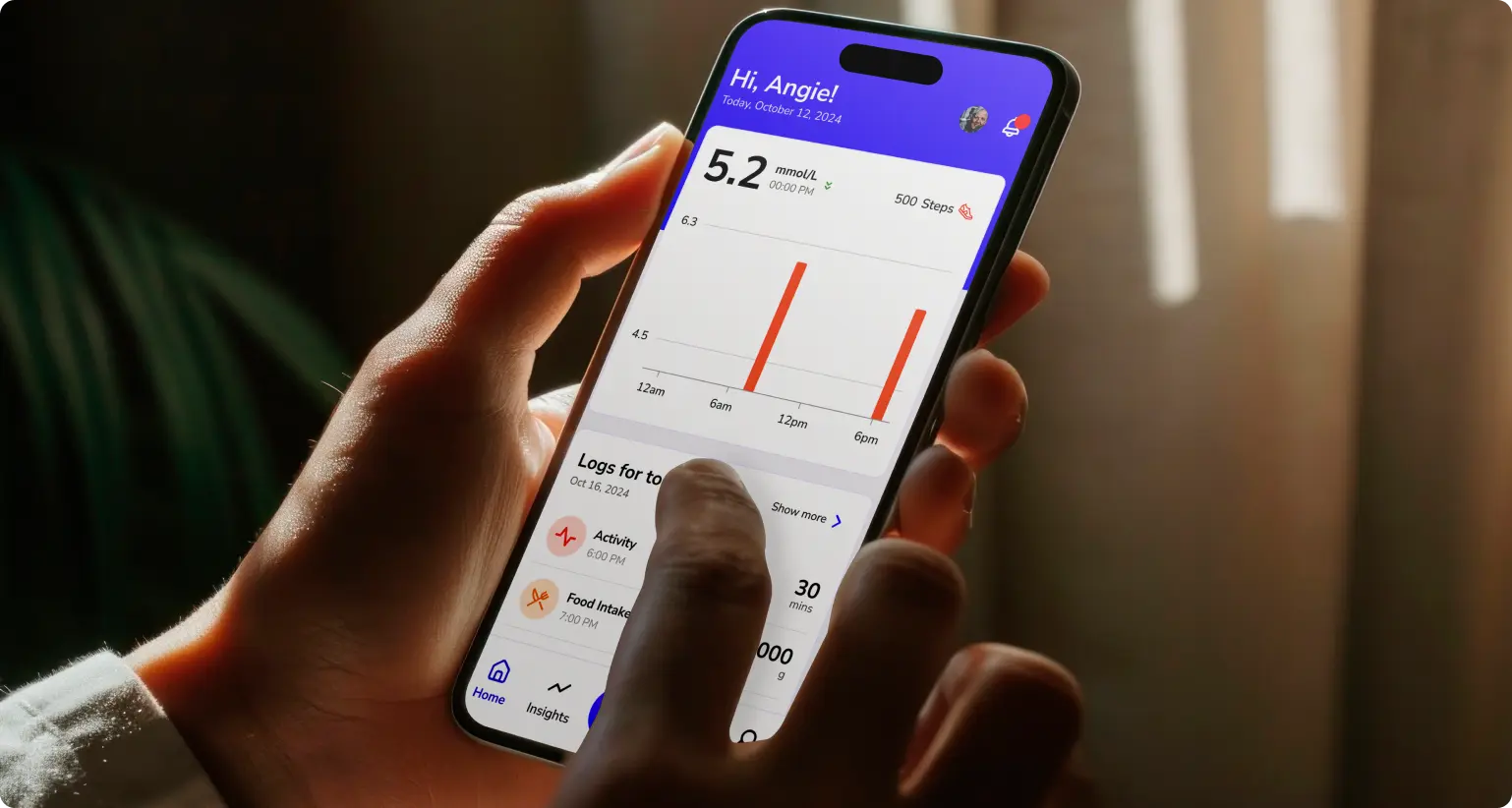
Led the design of a mobile application focused on glucose management, collaborating with a team of 4 designers and 4 developers.
B2C
Mobile App
Health App
ROLE
Senior UI/UX Designer
TIMELINE
12 weeks
RESPONSIBILITIES
UX Research, Design Leadership, Prototyping, QA, Design Systems
TOOLS
Figma, Zoho Sprint
Problem
Many Type 2 diabetes and pre-diabetes patients struggle to manage blood sugar due to limited personalized insights, motivation, and simple tracking methods.
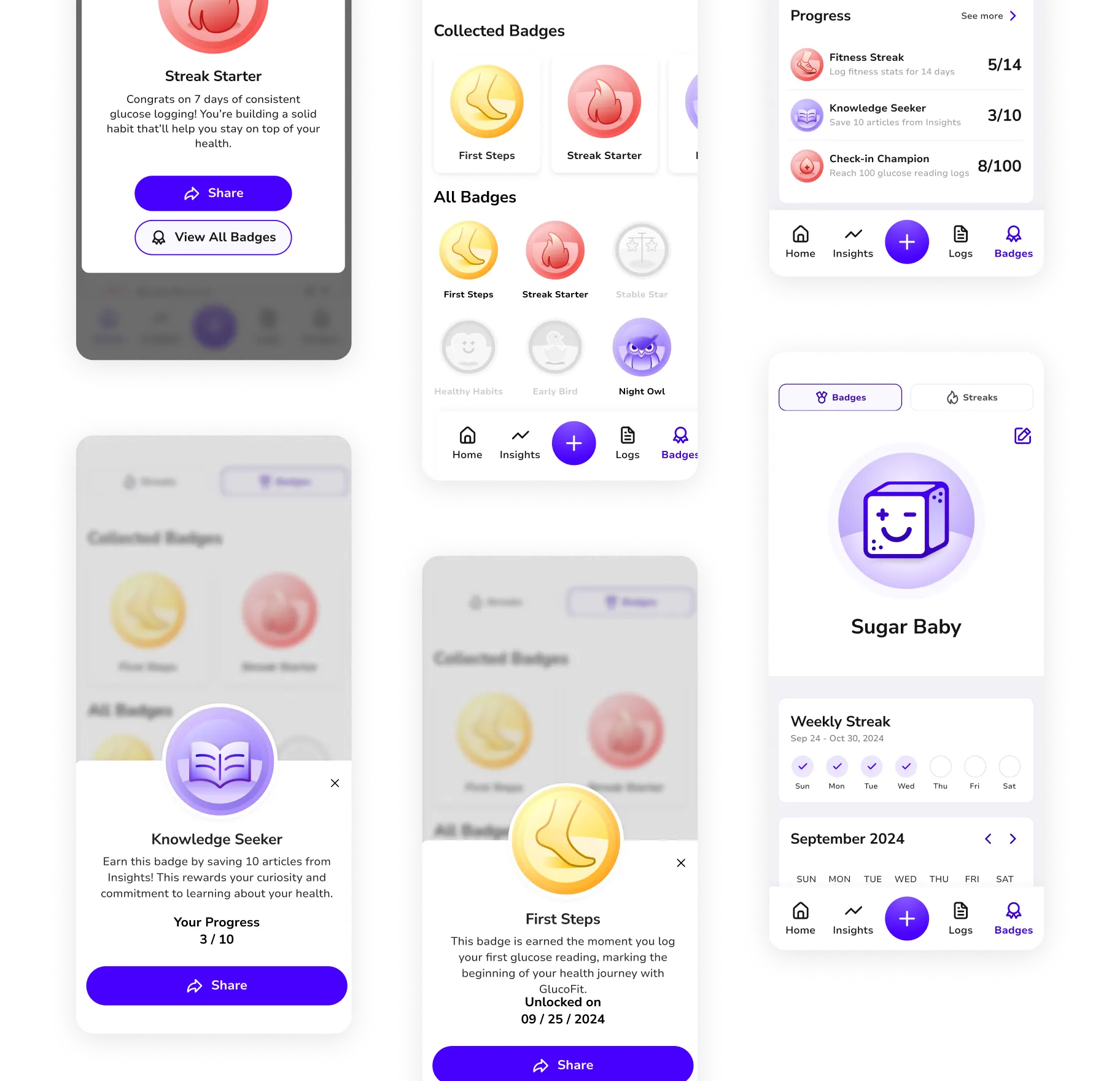
Existing solutions often lack engaging features, making it difficult for patients to build habits, track progress, and stay motivated to improve their health.
Solution
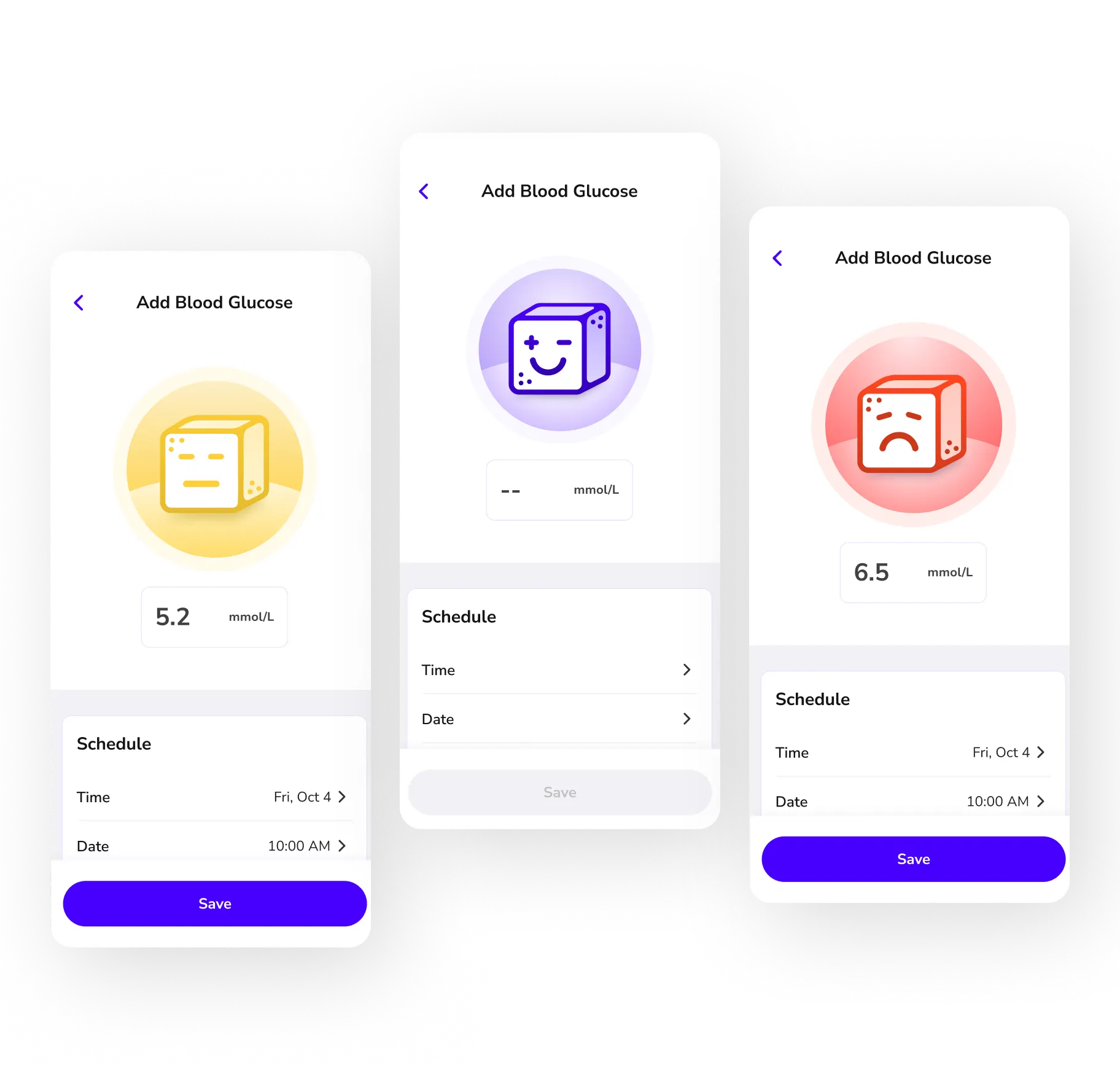
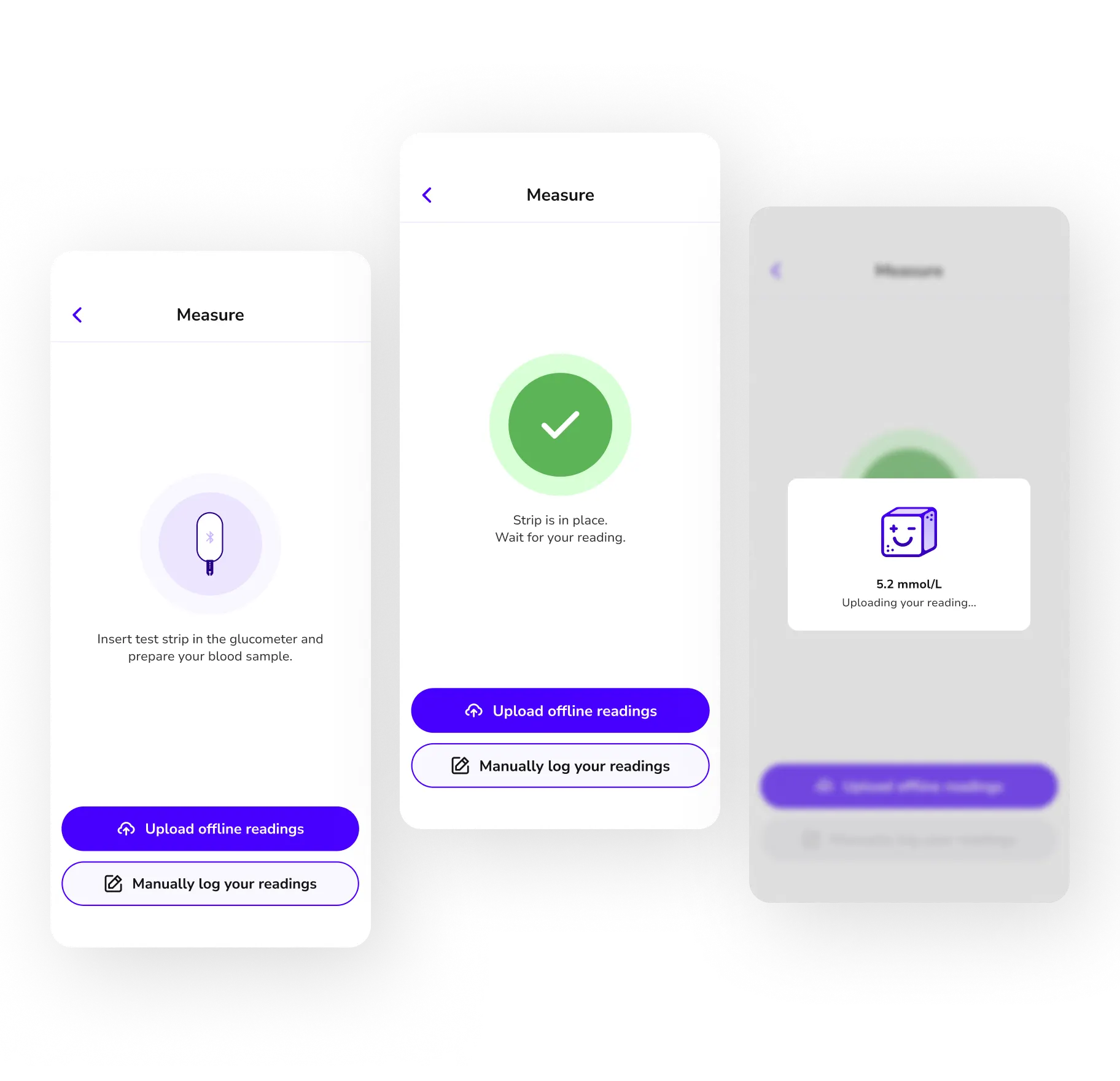
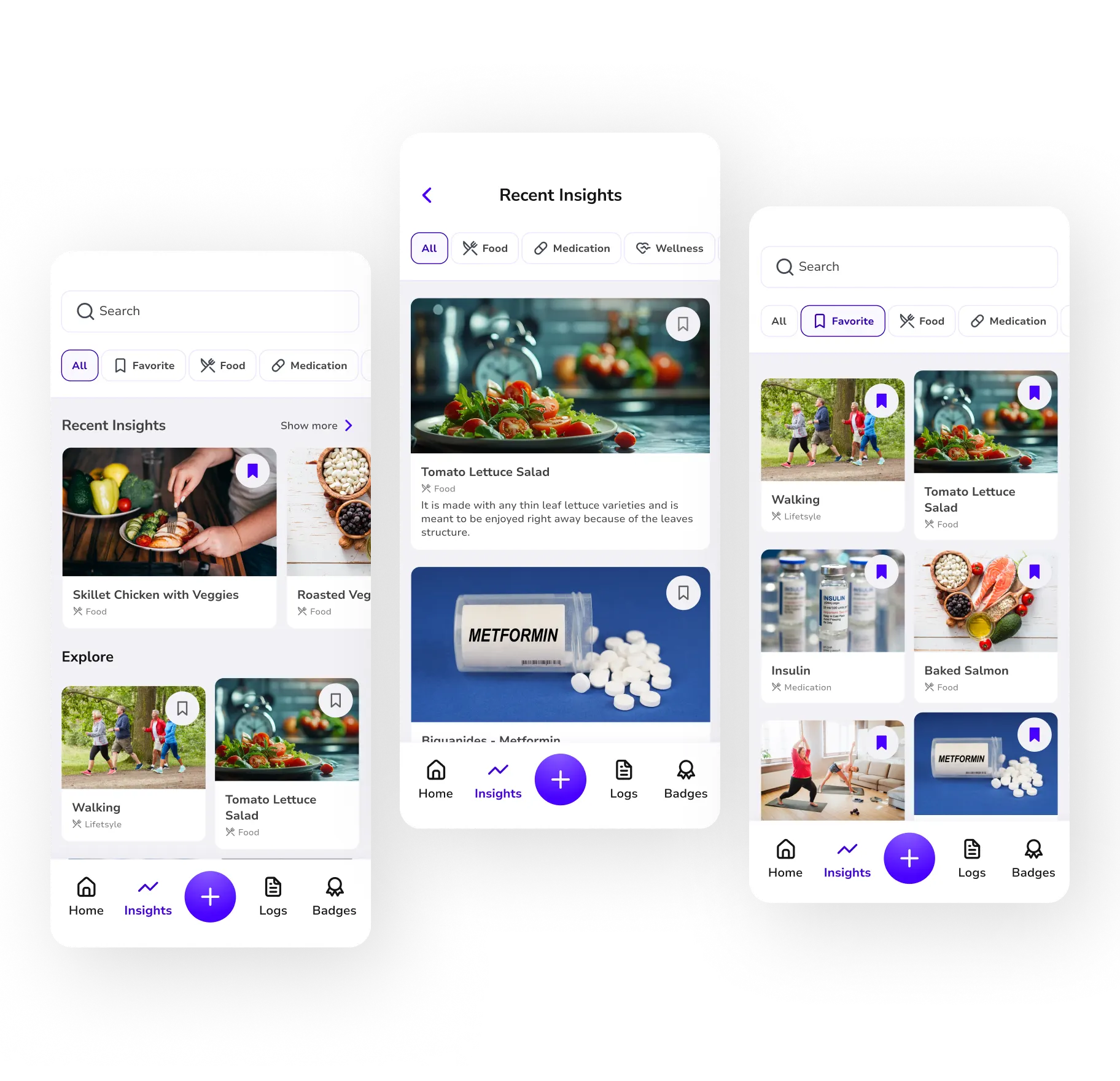
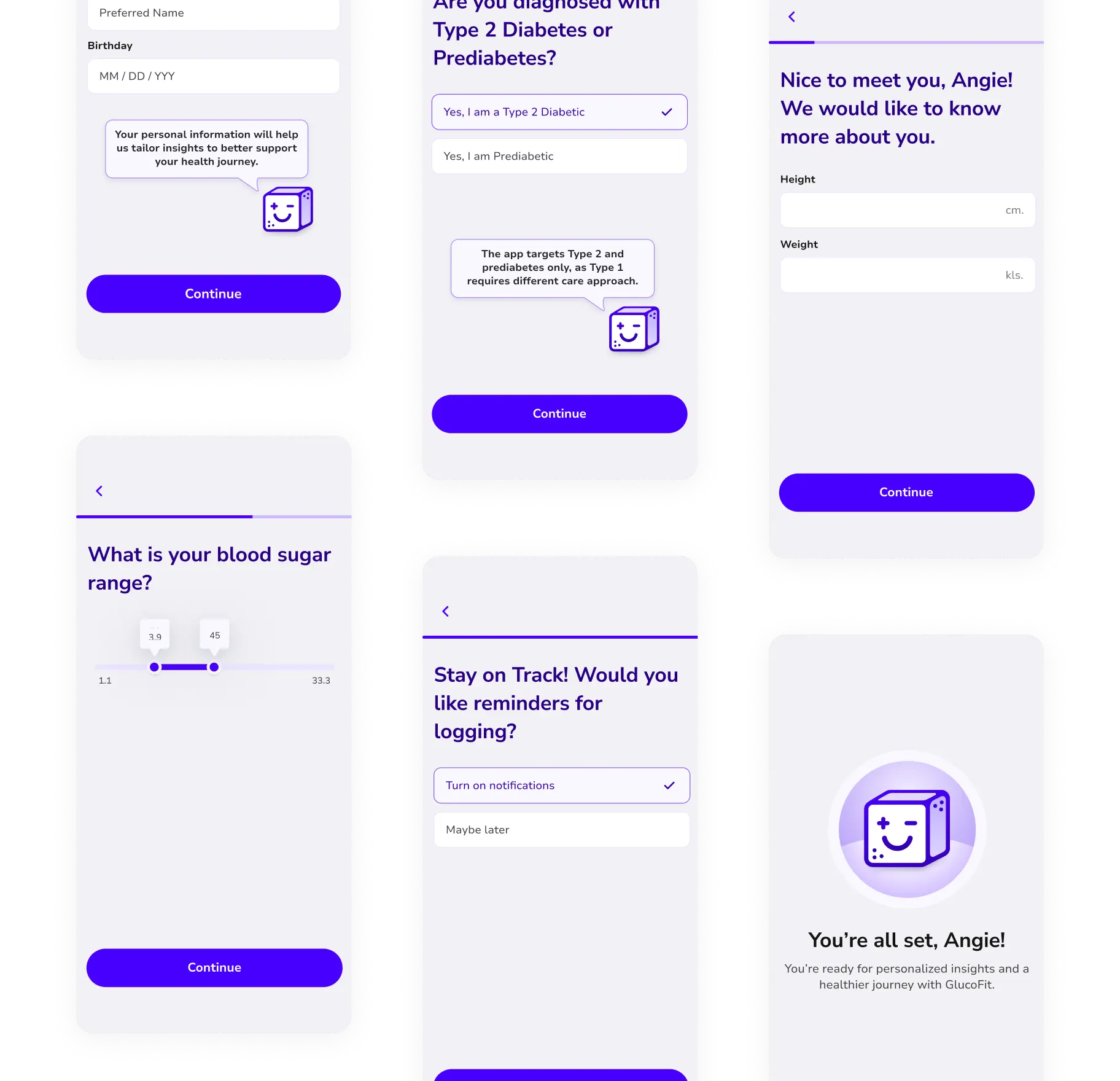
Glucofit tracks glucose levels and offers personalized insights, empowering users to log food, medication, and notes for better health understanding.
Outcome
Our team was awarded Best Capstone Project at the Capstone showcase.
1
Research
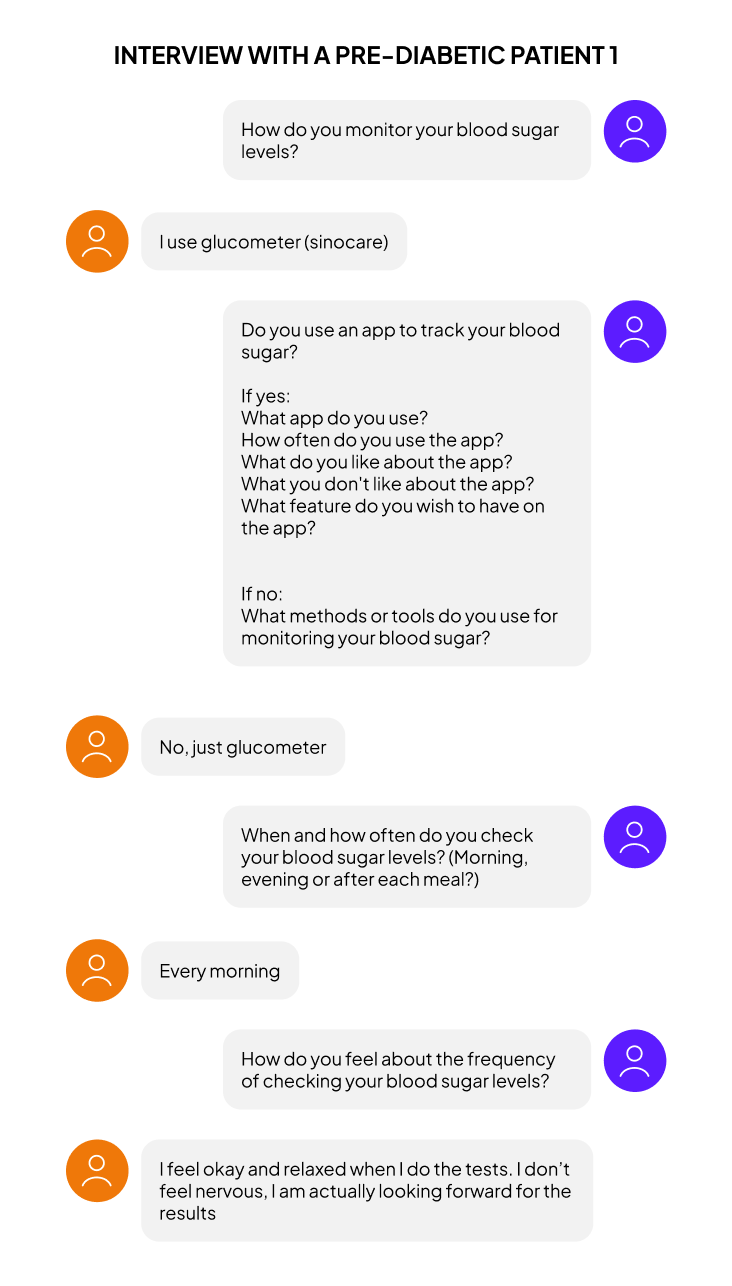
During this stage the team worked on the research phase of the project, understanding the problem and analyzing the market. The designers also collaborated in writing interview scripts and interviewing pre-diabetic/diabetic patients and medical practitioners. These interviews helped the team understand the pain points of the users, finalize the app features and build persona.
Patient

Health Professional


Competitive Analysis
Our team also analyzes our competitors such as mySugr, Glucose Buddy and OneTouch. These apps help users track diabetes related metrics. However, they don't provide in-dept insights or a holistic approach to better understand and manage diabetes. While they simplify data logging, they often lack robust tools to connect habits, such as lifestyle, food, and medication, to offer tailored educational support.
This leaves patients with limited guidance and fragmented view of their health, making long-term diabetes management more challenging.

2
User Persona, Userflow & Low Fidelity Wireframes
To begin defining the app's interaction design and information architecture, we developed a user flow based on the two user personas. Following this, the design and development teams worked closely together, enabling the development team to start building the system architecture and data model.
User Persona


Userflow

Low-Fidelity Wireframes

3
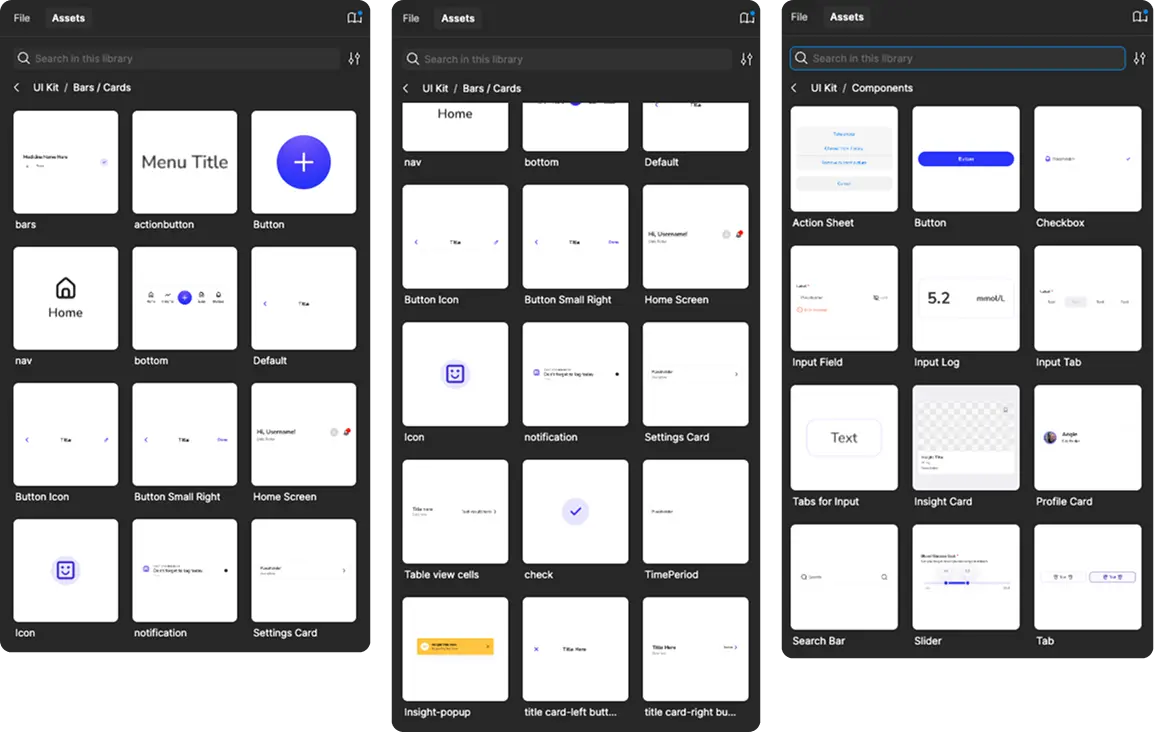
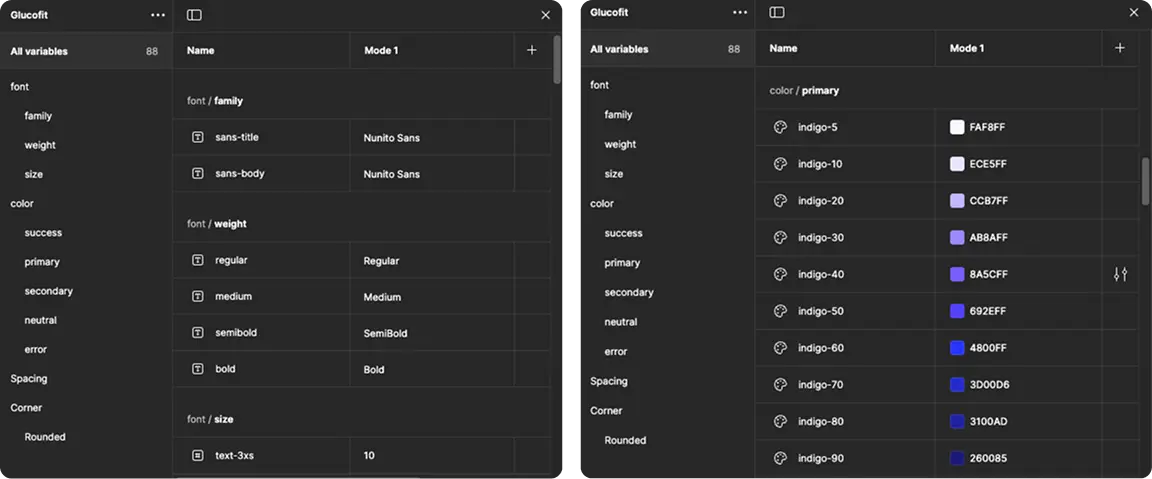
Style Guide, UI Kit & Components
While low-fidelity wireframes were being updated by the team based on stakeholders and developers feedback, I collaborated with fellow designers to develop the Style Guide, UI kit and Components of the app
UI Kit & Components


Components
Tokens
4
Prototype, Testing & Mid-Fidelity Wireframes
In week 5 to 7, the design team developed a low-fidelity prototype for three flows of the app's main features. We also conducted user testing with two participants using the prototype. This allowed us to assess whether the app's flow, particularly its core functionalities, was intuitive and user-friendly. Based on their feedback, our team was able to enhance the app's flow. We also finished designing the high-fidelity wireframes and handed the finalized designs to the development team.
Mid-Fidelity Wireframe

Mid-Fidelity Wireframe


Final Mockups